- Visit the Microsoft Admin Center
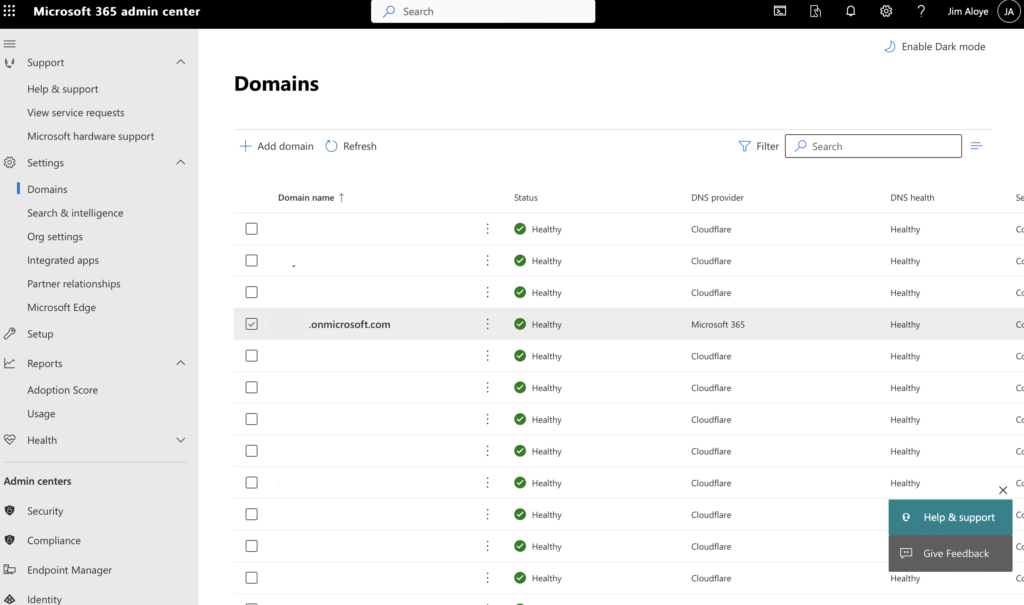
- Click on Settings, and then Domains
- Look through the domain list until you see the original onmicrosoft.com domain you were assigned when you set up the tenant.
- You should see something similar to what is shown below.
- Be sure to make a note of the entire domain name, including the part in front of the .onmicrosoft.com as the entire tenant is needed.